Presented by Mike Goodmansen, from POSitive Software
Book a spot early: RSVP to info@schoolpos.com.
Share webinar information with a friend
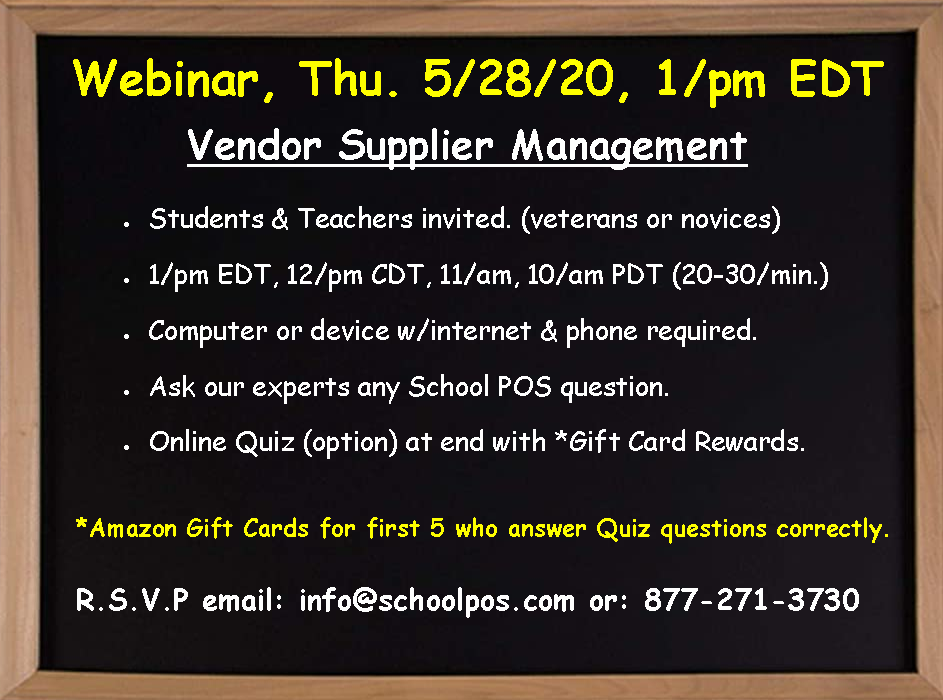
See the requirements & rules at the bottom of this page.
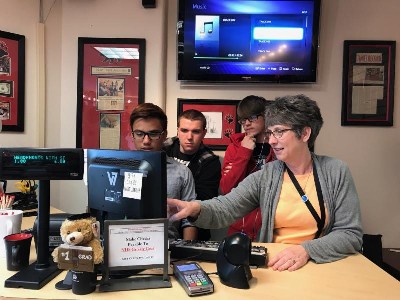

Presented by Mike Goodmansen, from POSitive Software
Book a spot early: RSVP to info@schoolpos.com.
Share webinar information with a friend
See the requirements & rules at the bottom of this page.
Managing vendors Organize shopping lists, purchase orders, secondary vendors, auto-replenish, landed cost & delivery fees, reports
Watch the videoManaging departments and categories Organize, defaults, discuss reporting & graphs
Watch the videoManaging employees Security, accountability, time & attendance, discuss reporting & graphs
Watch the videoTips & tricks on achieving accurate physical inventory Shows 3 ways to count stock, how to report & track shrinkage, how to receive stock from vendors, and how to adjust stock up or down
Watch the videoSmart coupons Make coupons that discount only certain items. Create promotion codes for social media. See a POS report on how a marketing (coupon) campaign is doing.
Watch the videoCreate a one-touch button that can reach many different item SKUs Shows how to create a smart (alphabetical) pop-up list, an apparel matrix grid (color and size) & a jump page
Watch the videoStarting POS over Deleting old POS data and creating new POS data: are you taking the proper steps?
Watch the videoTouch button tips Managing your touch screen buttons & printing great barcode labels
Watch the videoPurchasing & receiving From creating a vendor shopping list to purchase order receiving, vendor reports
Watch the videoCustomer management Special orders & discounts, loyalty rewards, house accounts, shrinkage & reports
Watch the videoSchool POS marketing tools Calendar discounts, mix & match, custom coupons, combo deals, template deals, customer loyalty rewards, & text (SMS) coupons to cell phones
Watch the video