Common school store POS mistakes
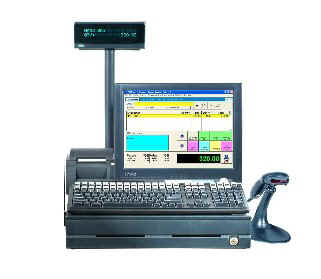
11 common school store POS mistakes
in POSitive Retail Manager
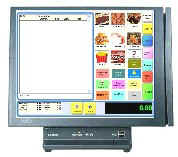
1) After a PC cold start, wait 60 seconds before clicking the POS 1 icon (to avoid an SQL error).
2) Be sure you have a current POS backup on a flash drive & maintain a regular backup schedule.
3) Be sure you update (restore) the POS training database each semester.
4) Remember to safely position your POS computer under the counter (it will last longer out of sight).
5) Do not turn off the receipt printer (the cash drawer will not open).
6) Place a permanent note on all POS computers to alert the IT department not to reimage or modify them.
7) When moving POS hardware into storage over the summer, make note of cable connections.
8) Don't allow a student to have the teacher's ID & password and the power to delete employees.
9) Take full advantage of your 12-month support by getting training on basic & advanced subjects.
10) In POS Tutor, print & compile PDF guides & encourage managers to review training videos.
11) Make sure you restart (or turn off) your POS computers at least once a week (they will run faster).
If your 12 months of POS support have expired, please call or email us for assistance.